
Setting up Unifi Endpoint for One-Click VPN is a simple matter of installing the Unifi Endpoint software for your device and accepting the VPN invite.
If your device is managed by Bionic Cat, we will automatically push the necessary software.
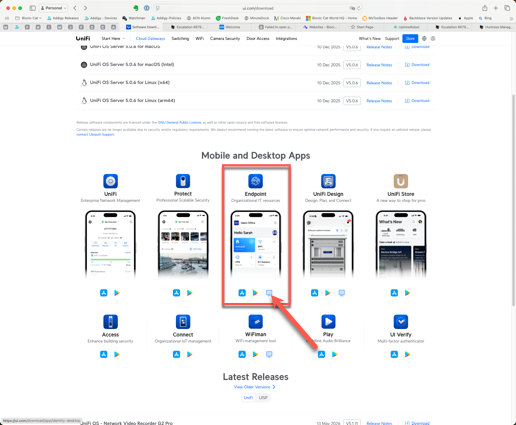
If we do not manage you computer, you'll need to go to https://ui.com/download and download the Unifi Endpoint software for your device.
Once your software is installed, let us know and we'll generate an invite. Look for that email invitation and click on the invite URL in the email to complete the process.
The video below shows the process.