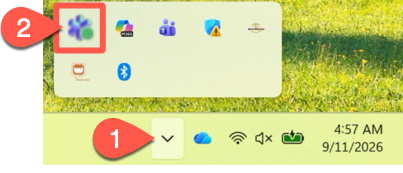
The Timus VPN app can be accessed from the Start Menu in Windows, but it resides in the System Tray.
Access Timus Connect from the System Tray section at the bottom right of your PC
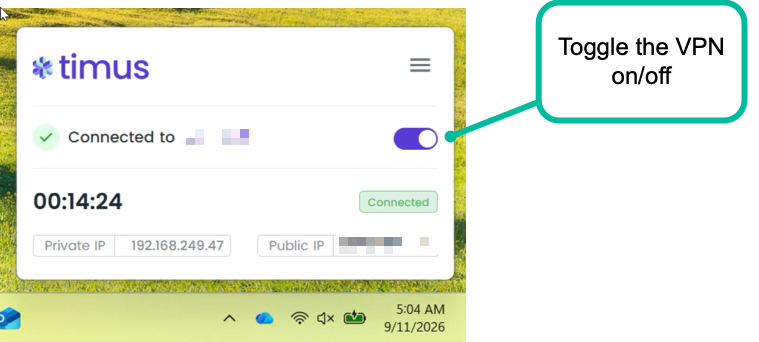
You can toggle the VPN connection on or off from the toggle. Note that, when toggling VPN off, you'l need to specify a reason why you're doing so. In general, you should leave the VPN connected at all times when outside of the office.
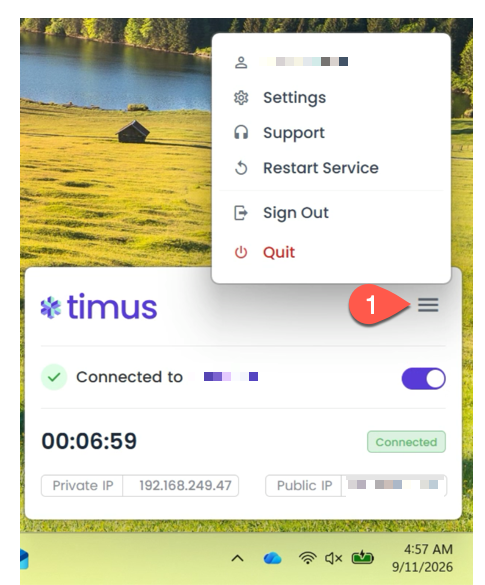
You can access additional settings from the "hamburger menu" such as restarting the service.