
If Addigy Identity has been enabled for your company, you will be able to use your work email address and email password (and any associated multi factor authentication to sign into your Mac).
Depending on what service you use (Microsoft 365, Google Workspace or Okta), the login screens may look a little different, but the concept is the same. Below are examples of Google Workspace and Okta.
When you first see the login screen, enter your email address and hit next.
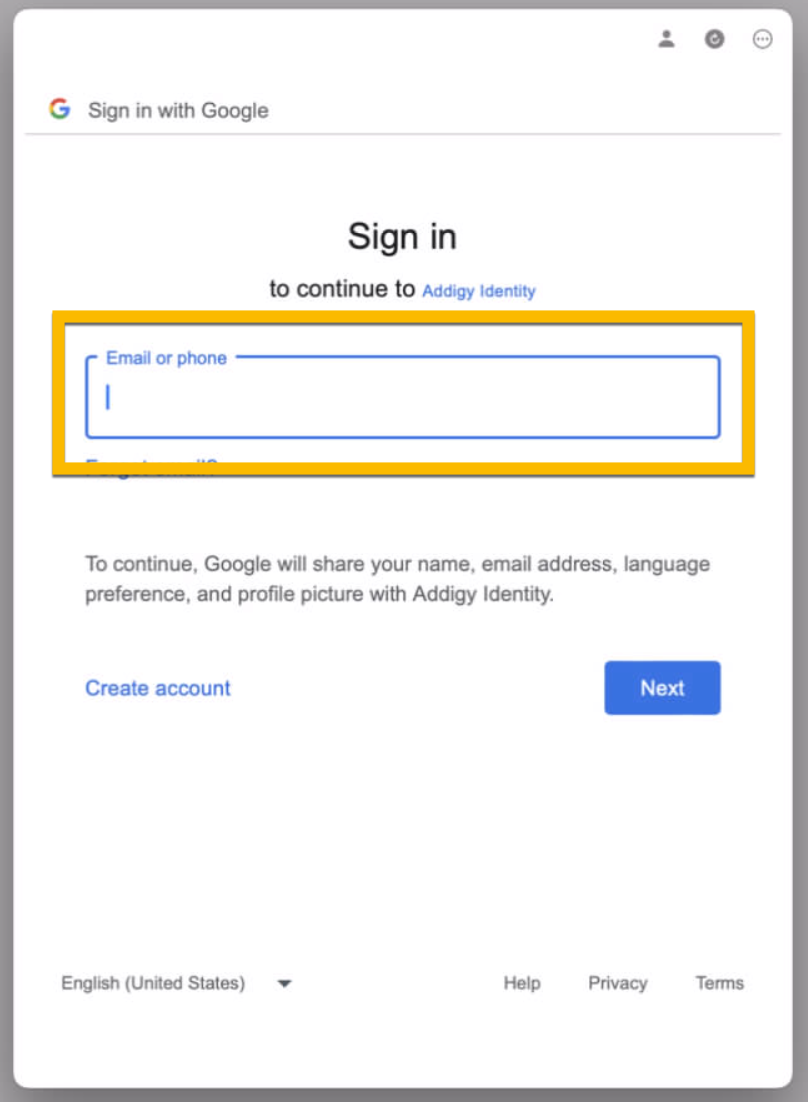
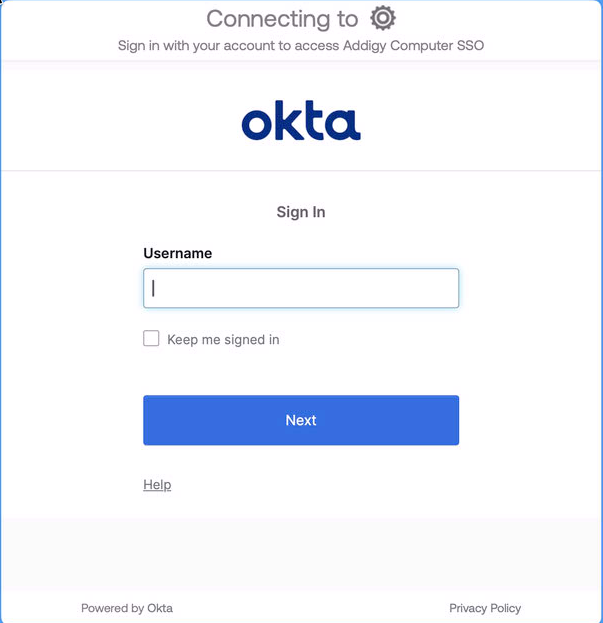
Enter you password and any multi factor authentication to login.
If this is your first time logging into this particular computer, you'll need to create a new account on the computer by clicking "create one" as shown in the screenshot below.
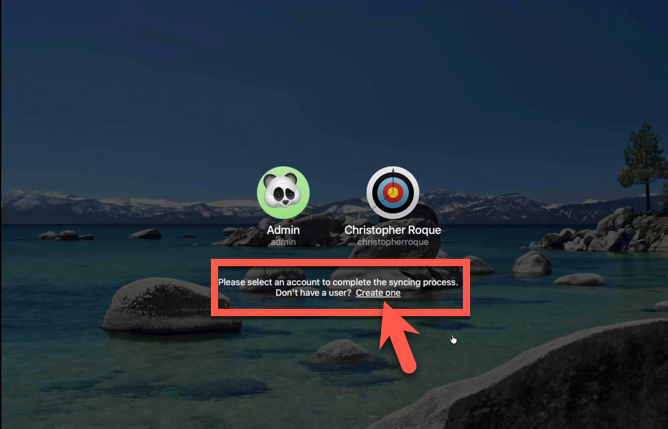
If you've previously used this computer with a local account, you'll want to select your existing account to "sync" it with Addigy Identity. Please see this video for more info.
For troubleshooting tips related to Addigy Identity, including how to revert to the traditional login screen, please see this article.
For a deeper dive into Addigy Identity and it's options, please see this article from Addigy.